Making a children's picture book used to mean hiring an illustrator, formatting pages by hand, and waiting weeks for revisions. Now you can create a polished, personalized book online in one sitting, especially if the story stars a real child.
This guide walks through how to make a children's picture book with Starring My Kid, from choosing the story idea to exporting a PDF, EPUB, audiobook, or shareable reading link.
1
Before You Start
A strong picture book needs three things: a clear main character, a simple emotional arc, and illustrations that feel consistent from page to page. For personalized books, the photo matters too. Use a bright, front-facing image where the child's face is visible and not covered by sunglasses, hats, heavy shadows, or filters.
2
1. Open the Book Creator
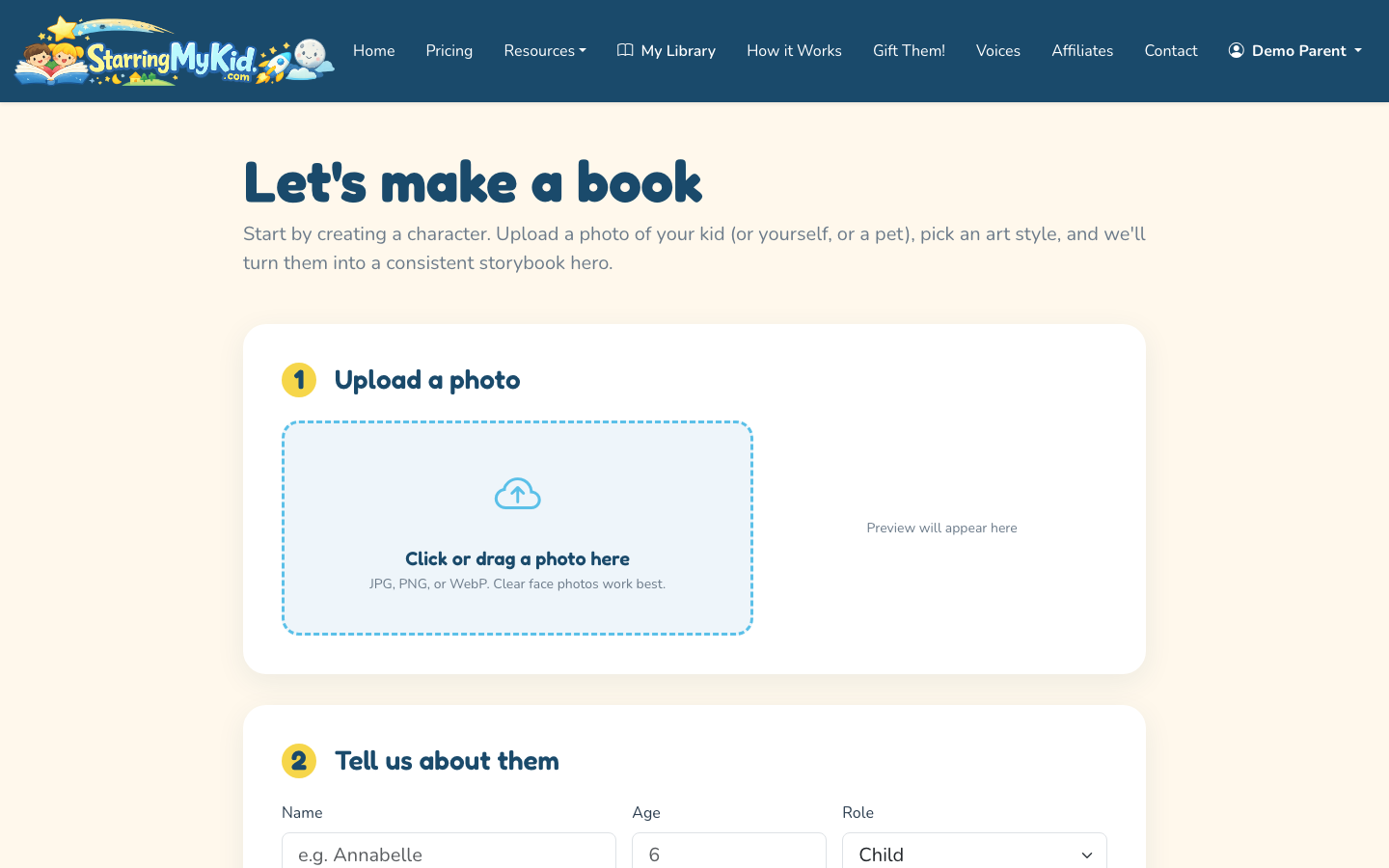
Go to Starring My Kid and start from the create flow. This is where you upload the child's photo, choose the story direction, select an art style, and add any co-stars.
Upload the child photo, choose a theme and art style, and add co-stars in the create wizard.
You can make the child the main hero and add up to four additional characters, such as a sibling, parent, grandparent, best friend, or pet. That gives you up to five characters in the cast without turning the story into a crowded scene.
If you are still comparing options, the broader guide on how to make a personalized book for kids explains when personalization is worth it and when a simpler custom dedication is enough.
3
2. Upload a Clear Child Photo
Upload one good photo of the child. The AI uses it to create a consistent cartoon character across the book, so the goal is not a dramatic portrait. The best input is usually a simple phone photo taken in natural light.
Use these photo rules:
Face visible and facing the camera
No heavy filters or face paint
One child as the primary subject
Good lighting, ideally daylight
Higher resolution if available
4
3. Choose a Story Theme or Write Your Own
Next, choose one of the built-in story themes or write a custom prompt. Built-in themes are best when you want a predictable, age-friendly structure. A custom prompt is better when you need something specific, such as a child learning to welcome a new sibling or visiting grandparents in another country.
Starring My Kid includes 10 built-in themes, including common family moments like birthdays, bedtime, and first day of school. These are designed for picture-book pacing, so the story does not become too long or too complex for young readers.
If you write your own prompt, keep it specific but not overloaded. A useful prompt might be: "A gentle bedtime adventure where Maya and her dog Rocket search the moonlit garden for a missing star and learn that being brave can be quiet."
5
4. Pick an Art Style
Choose the visual style that fits the child, the story, and the way the book will be read. Starring My Kid offers three styles:
Watercolor Storybook for soft, classic picture-book pages
3D Animated for bright, movie-like scenes
Flat Modern for clean shapes and contemporary colors
Watercolor works well for bedtime, family, and sentimental gifts. 3D Animated is usually better for adventure, birthday, and high-energy stories. Flat Modern is a good fit for simple, graphic books with bold scenes.
6
5. Add Co-Stars If the Story Needs Them
Personalized does not have to mean solo. You can add siblings, parents, grandparents, or pets as co-stars when they matter to the story. A birthday book might include siblings and a pet. A first-day-of-school book may only need the child and one supportive grown-up.
Do not add every family member by default. Picture books work better when each character has a reason to appear. Too many characters can make scenes harder to read visually, especially on mobile.
7
6. Generate the Picture Book
Start generation after the photo, theme, style, and cast are ready. The system turns the child into a consistent cartoon character and builds the illustrated book around them.
The advantage of an online creator is speed, but you should still review the result like an editor. Read for tone, page flow, age fit, and whether the pictures match the important story beats.
8
7. Review Each Page and Regenerate Where Needed
Open the generated book from your dashboard or reader. Check the cover, character likeness, page order, illustration consistency, and whether the text sounds natural when read aloud.
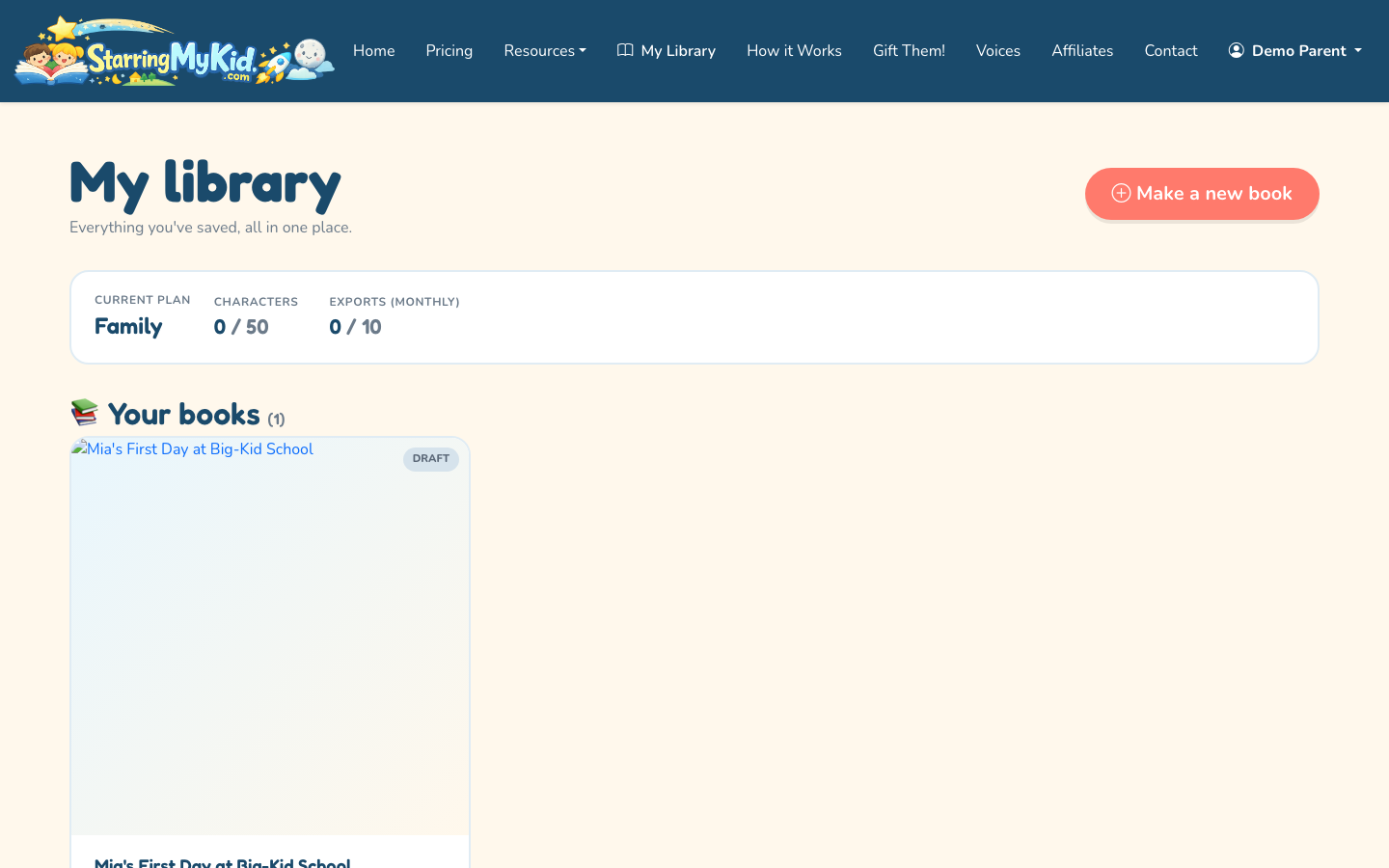
Use the dashboard to find in-progress and finished books before reviewing or sharing.
If one page is not quite right, regenerate that page instead of starting the whole book again. You can also use per-page custom redraw prompts when a scene needs a specific change, such as "make the backpack red" or "show the dog sitting beside the child."
Review the finished personalized picture book in the mobile-friendly reader.
This is where AI-assisted creation saves the most time. Traditional picture-book revision can mean reworking layouts and illustrations manually. Per-page regeneration lets you improve weak pages while keeping the rest of the book intact.
9
8. Create the Cover and Title
A children's picture book cover should be simple enough to understand at thumbnail size. Use a short title, one clear main image, and decorative title typography that matches the story's tone.
Good title examples:
Luna's Moonlight Map
Theo and the Birthday Train
Ava's Brave First Day
Milo Finds the Sleepy Star
Avoid titles that explain the whole plot. The cover should invite the child in, not summarize every page.
10
9. Export or Share the Finished Book
When the book is ready, choose the format that matches how the family will use it. Starring My Kid supports PDF and EPUB export, plus a mobile-first shareable web link that does not require the reader to log in.
PDF is best for printing or archiving. EPUB is useful for e-readers and flexible digital reading. The web link is the easiest option for sharing with grandparents, relatives, or friends by text message.
You can also add audiobook narration. Starring My Kid supports stock narrators and ElevenLabs voice cloning with a short voice sample, which can make bedtime reading feel more personal.
11
10. Use the Gift Flow When Buying for Someone Else
If you are making the book for a niece, nephew, grandchild, friend's child, or classroom celebration, use the gift order flow instead of building it as if you are the parent.
The gift path is designed for someone purchasing a personalized kids book for another family. If that is your situation, see how to order a personalized kids book for the buying steps and timing considerations.
12
What Makes a Good Personalized Picture Book?
The best personalized books do not just paste a child's name into a generic story. They use the child as the emotional center of the book. The plot should give them something to want, a small problem to solve, and a satisfying ending they can understand.
A good target is a short story with clear page turns. Each page should have one main idea. If a page needs three paragraphs to explain what is happening, the story is probably too complex for a picture book.
For younger kids, keep the language concrete. For older kids, you can use more imaginative details, but the emotional arc should still be easy to follow: nervous to confident, lonely to connected, curious to brave, excited to proud.
13
Common Mistakes to Avoid
Do not start with a vague prompt like "make a fun book for my child." You will get a more generic result. Include the child's role, the setting, the feeling, and the lesson if you want one.
Do not add too many co-stars. A personalized book can include family members, but the child should still feel like the star.
Do not skip the read-aloud test. Read every page out loud once before sharing or exporting. Children's books are heard as much as they are read, and awkward phrasing is easier to catch by ear.
To make a children's picture book online, start with a clear child photo, choose a story theme, pick an art style, and generate the book in a tool like Starring My Kid. Then review each page for story flow, character consistency, and illustration quality. Regenerate weak pages instead of rebuilding everything. When the book is ready, export it as a PDF or EPUB, create an audiobook version, or share it with family through a mobile-friendly reading link.
How to make a childrens book if I am not an illustrator?
You can make a children's book without being an illustrator by using an AI-assisted book creator or hiring an illustrator. The AI route is faster and usually more affordable, especially for a personalized gift. The tradeoff is that you still need to guide the story, choose the style, and review the pages carefully. In Starring My Kid, the system creates consistent character art from a photo, then lets you regenerate individual pages when something needs improvement.
How to make a custom story book for kids that feels personal?
A custom story book feels personal when the child's role affects the story, not just the name on the cover. Give the child a goal, a setting they would enjoy, and a small emotional arc such as becoming brave, kind, curious, or confident. Add co-stars only when they matter to the plot. A pet, sibling, or grandparent can make the book warmer, but too many characters can distract from the child as the hero.
How to design a personalized picture book for a gift?
For a gift, design around the occasion first. A birthday book should feel celebratory, while a bedtime book should feel calmer and softer. Choose one strong photo, keep the title short, and use an art style that matches the child's age and personality. Before sending it, read the book aloud and check every illustration. If you are buying for another family, use a gift flow so the purchase and sharing experience are set up correctly.
How long does it take to make a childrens book online?
A simple AI-generated personalized children's book can usually be created in one session once you have the photo and story idea ready. The generation step is only part of the work, though. Plan time to review the story, regenerate any pages that need changes, check the cover, and choose your export or sharing format. For a gift, it is smart to finish at least a day early so you are not rushing final edits.